
HeadNav
The hands-free head mouse
Your head moves the cursor. Your voice clicks.
Software 1.0 available now. HeadNav itself: coming soon.

Using a computer means reaching for the mouse
- Hours a day with one hand on the mouse.
- A constant interruption: hands off the keyboard, onto the mouse, and back again.
- And not everyone finds a mouse easy to use.
Meet HeadNav
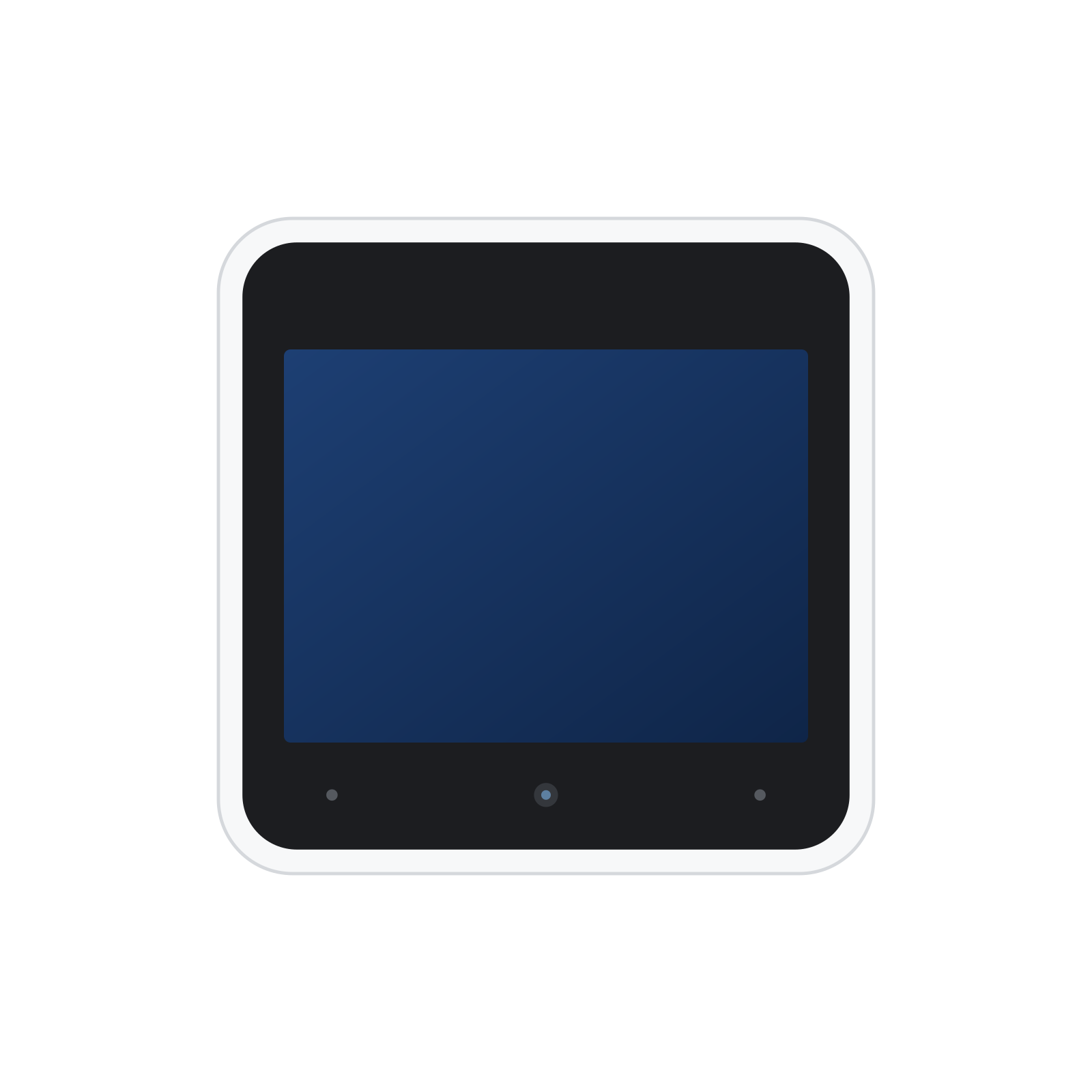
- A small device you wear on your forehead.
- Turn your head and the cursor follows.
- Say "click" and it clicks.
- Connects like a wireless mouse: no software to install.
How it works
- Pair HeadNav once, from the Bluetooth settings, like any wireless mouse.
- Wear it on your forehead and face the middle of your screen.
- Point and speak: turn your head to move the cursor, say "click" to act.
Pointing with your head
- Small movements are enough to cross the screen.
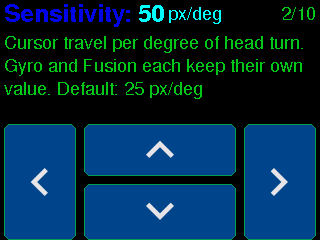
- Precise aiming: slow movements move the cursor less, for small buttons.
- Re-center any time: say "center" or nod quickly.
- Fusion mode keeps the cursor where you look; Gyro also works with Android and ChromeOS.
Comfortable to work with
- No reaching for the mouse: your hands stay on the keyboard, in a relaxed position.
- No gripping and no wrist movement: you point with small head movements.
- Fewer repetitive hand movements over a working day.
Use it all day, or only to give your hands a break from the mouse.
Voice commands
- Click, double click, right click, middle click
- Scroll and drag with your head
- Copy, cut, paste, undo, Enter, arrow keys
- Optional groups: letters, numbers, punctuation, window control
Recognised on the device itself: no audio leaves HeadNav.
Head gestures
- Nod quickly, as in a firm "yes": the cursor goes to the middle of the screen.
- Shake quickly, as in a firm "no": HeadNav sleeps or wakes up.
No voice needed. Normal head movements never trigger a gesture, and gestures can be switched off.
Works with your devices
- Connects over Bluetooth as a standard mouse and keyboard.
- Windows, macOS, Linux, Android and ChromeOS. iPhone and iPad: not yet tested.
- Remembers up to three devices: switch with one voice command.
- No software, no account, no cloud.
Smart details
- Knows when you wear it: take it off and it goes to standby.
- Sleep mode to look around freely without moving the cursor.
- Switches itself off when unused, to save battery.
- A touch screen shows the state and holds every setting.

Who HeadNav is for
- People who'd rather work hands-free than hold a mouse.
- People who find a mouse awkward, or want a change from it.
- People who'd rather keep their hands on the keyboard than keep switching to the mouse.
Use it on its own, or together with a normal mouse and keyboard.
Easy to set up, for yourself or someone else
- Adjust it to the way you work: cursor speed, precision, scroll speed.
- Settings on the device itself: no computer access needed.
- Head gestures can be switched off if they trigger by accident.
- The manual has notes for helpers who set HeadNav up for someone else.
For resellers and workplaces
- No software to install: a standard Bluetooth mouse and keyboard, so it suits managed company computers.
- Private by design: voice is recognised on the device. No audio, no account, no cloud.
- Set up on the device itself, by the user, a helper, a trainer or the IT department.
- Online manual for users and helpers.
At a glance
| Connection | Bluetooth Low Energy, standard mouse and keyboard |
| Devices | Up to 3, one connected at a time |
| Works with | Windows, macOS, Linux, Android, ChromeOS (iPhone and iPad not yet tested) |
| Sensors | Gyroscope, accelerometer, compass |
| Voice | English, recognised on the device |
| Display | Colour touch screen |
| Battery | Rechargeable, USB-C [TBD: battery life] |
Availability
HeadNav isn't on sale yet. The firmware and HeadNav Companion 1.0 are available now on the Downloads page.
- Resellers and business enquiries: support@headnav.com
- User manual: www.headnav.com/manual
- Comparison with other head mice: www.headnav.com/head-mouse-comparison
- Website: www.headnav.com
1 / 15